
Opalspark Software Ltd
Setting up Outlook Express
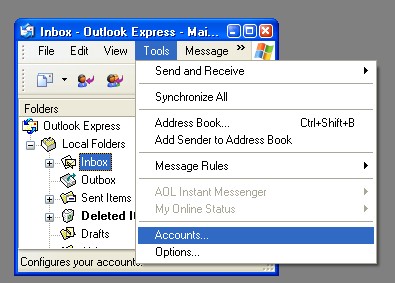
Select Tools -> accounts.
Select Add -> Mail 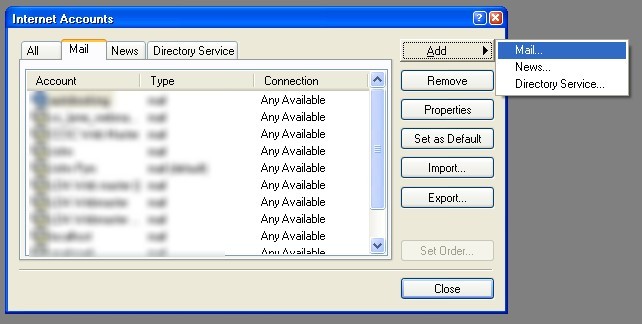
Enter your name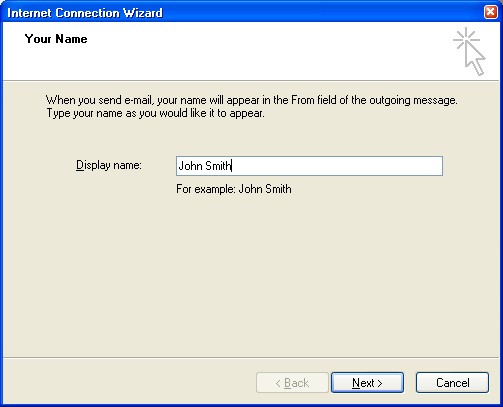
Enter your email address.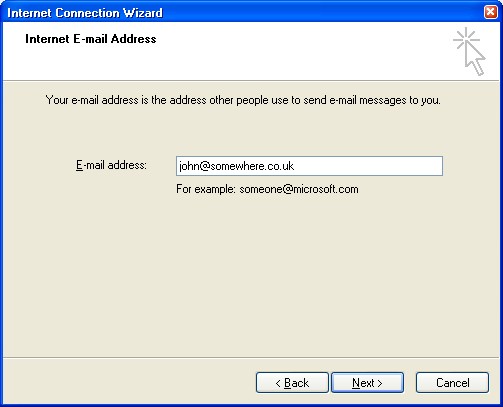
Make sure POP3 is selected and enter the server names as shown.
Incoming: POP3 : pop.1and1.co.uk
Or : imap.1and1.co.uk
Outgoing SMTP : auth.smtp.1and1.co.uk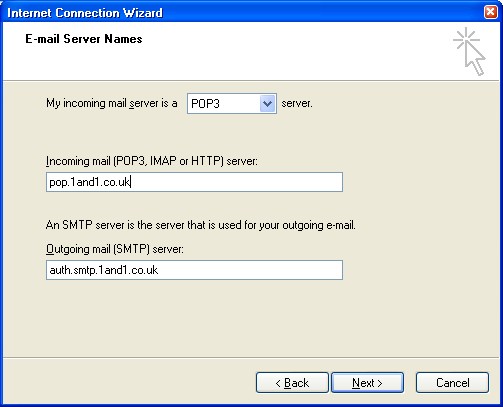
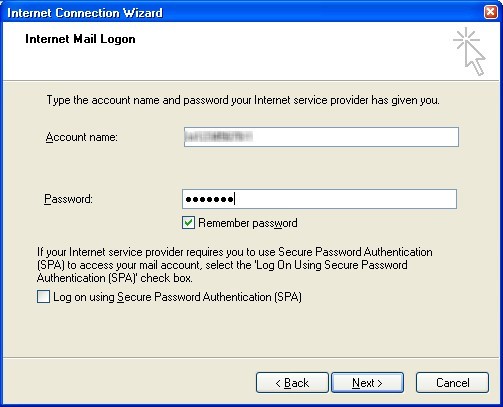
Enter your account name and password
(For the account name enter the full email address)
To send e-mail using the SMTP-Server, activate SMTP Authentication. Please do not use the Secure Password Authentication (SPA) option. Optionally, port 587 can also be used in addition to the
default port RFC 2476.
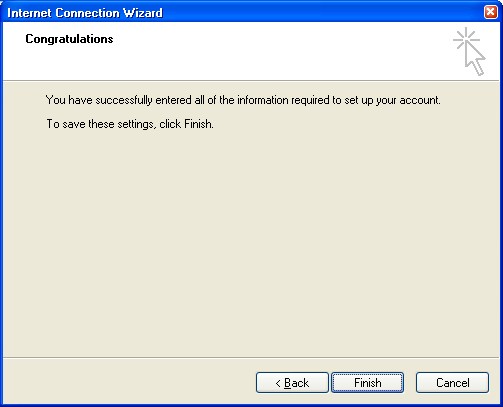
You should now see a new account called pop.1and1.co.uk, Click this and click properties.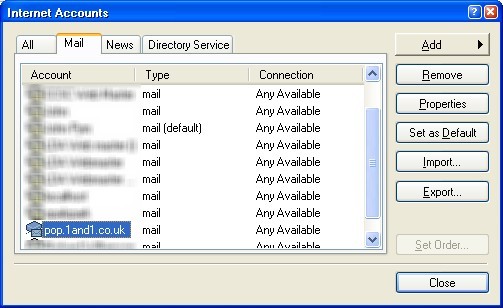
If you wish you can change the pop.1and1.co.uk to more meaningful, e.g. My 1 and 1 mail.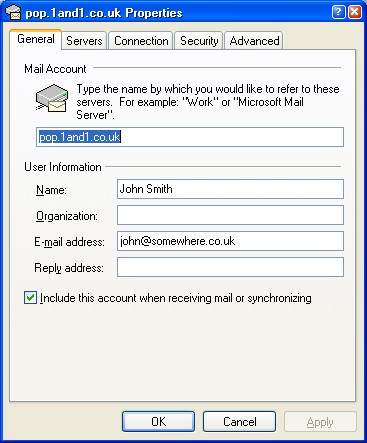
Select the server tab, and make sure "My server requires authentication" is checked and apply the change.